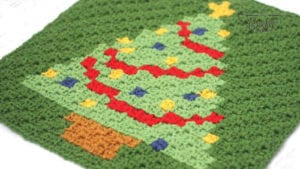
Corner to Corner known as C2C has the ability to customize to have shapes and pictures within.
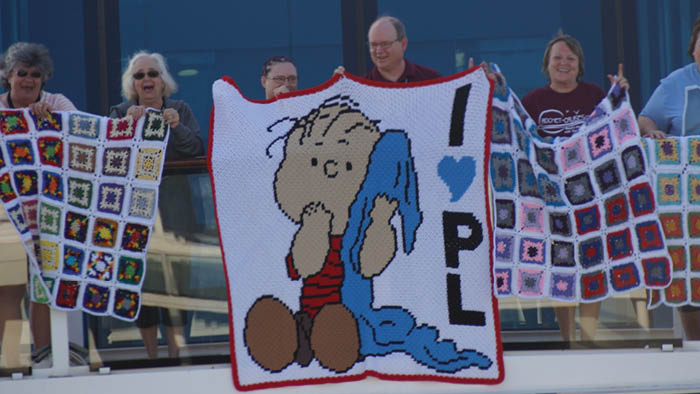
C2C picture blankets are like a dot matrix printer where you need to step further back as each square represents a colour. For this concept, you cannot have fine details.
Kevin and Karen Price back in 2016 made a C2C Blanket featuring Project Linus. A charity with children in mind for making kid-size blankets. It was extraordinary. We don't have a pattern for their creation but man, oh man, it was so good.
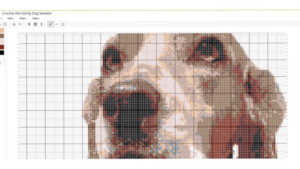
If you are looking for something more refined in detail. You need to use the regular single crochet grapghan concept.
You can convert real pictures for more realism.
The C2C Grapghan needs to be more thicker lines and less attention to detail.
Limitations
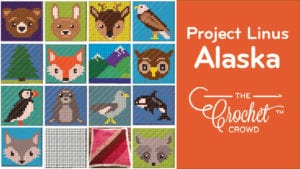

Project Linus Alaska The picture you select shouldn't be shaded. The colours should be more solid with clear definitions of colours.
- Too much detail or not enough break between colours can cause the image to appear scrambled and less defined.
- You will crochet this on an angle in corner to corner format.
Did you know you can use Half Double Crochet too?
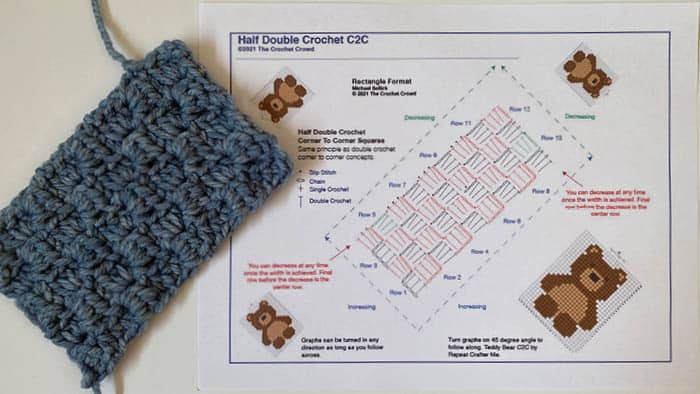
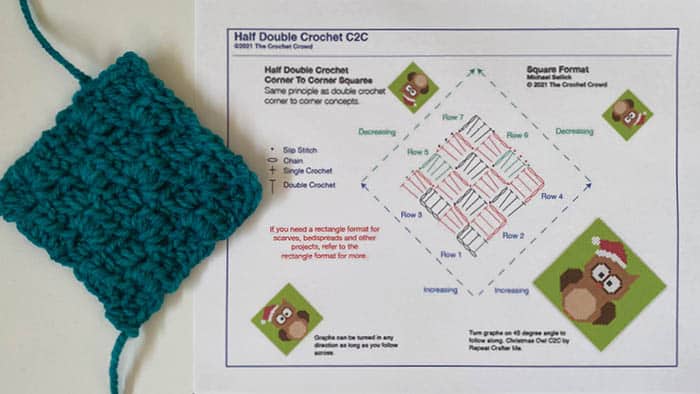
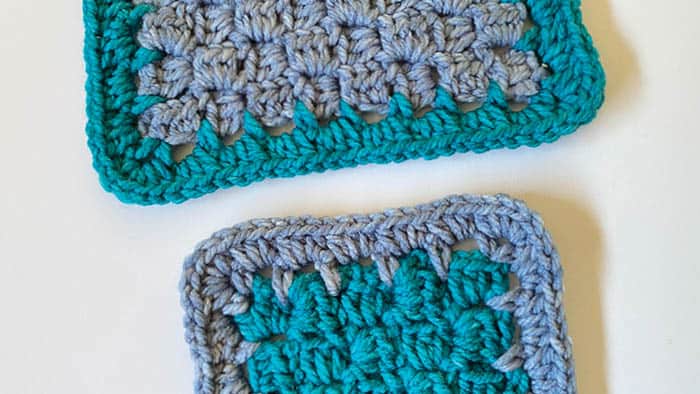
Get Your Personal Gauge
You need to do a swatch before you can begin this method.
- Select the yarn brand you want to play with.
- Select the hook size and maybe look at the ball band of the yarn label to give you the recommended size.
- Crochet a swatch that will match approximately 4" in both the width and height. Once you have the width of approximately 4", begin to narrow back down to the other corner with reducing. This should give you a square swatch.
If you need help, we have a tutorial on how to start and finish a C2C.
With your swatch, measure 4" across and count how many boxes can be done in 4". If you are off by a bit, guess to the nearest inch. In the example below, there are 5 squares (boxes) between the 4".
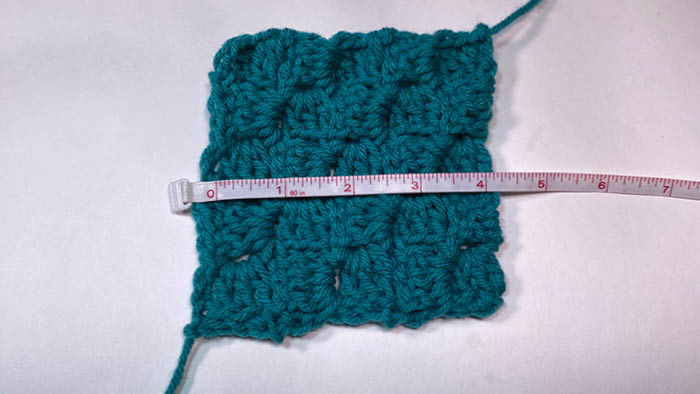
Now measure the height within a 4" span. It should be pretty close to the horizontal information. In the example, below, you can see 5 squares (boxes) in the vertical.
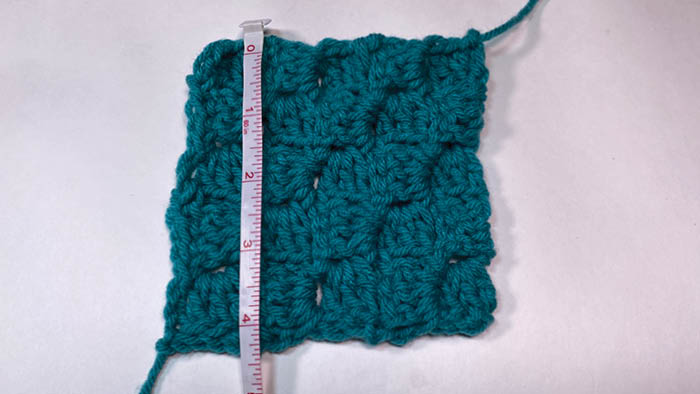
The gauge for this using Caron One Pound with a 5 mm / H hook is 5 boxes wide x 5 boxes high = 4" swatch.
Keep this information handy as now we are ready to make a graph.
Stitch Fiddle Walk Through
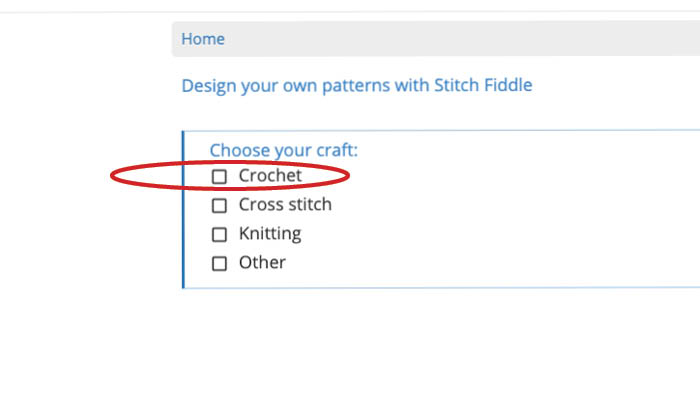
You can visit this link and it’s the home landing for Stitch Fiddle. Select crochet.
I would recommend opening up a free account before you start so the chart can be saved.
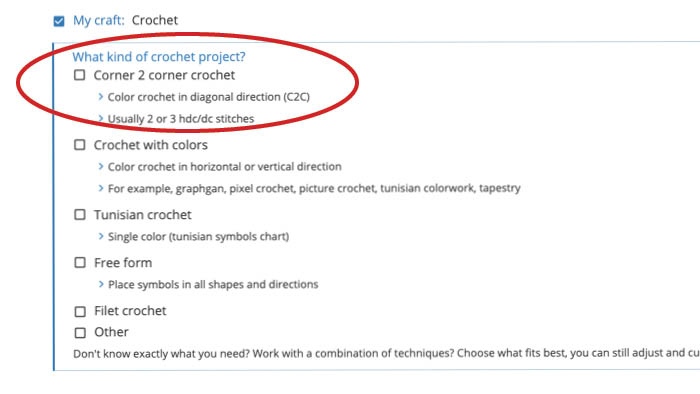
Now select Corner to Corner Crochet.
You can draw a graph or insert a photo in a moment.
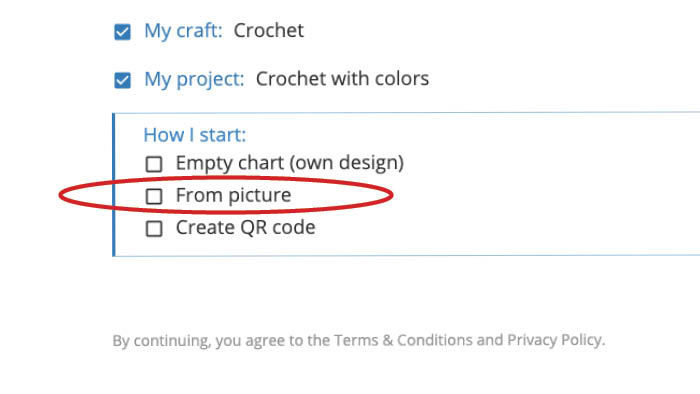
Select From Picture.
Drop your photo or select it.
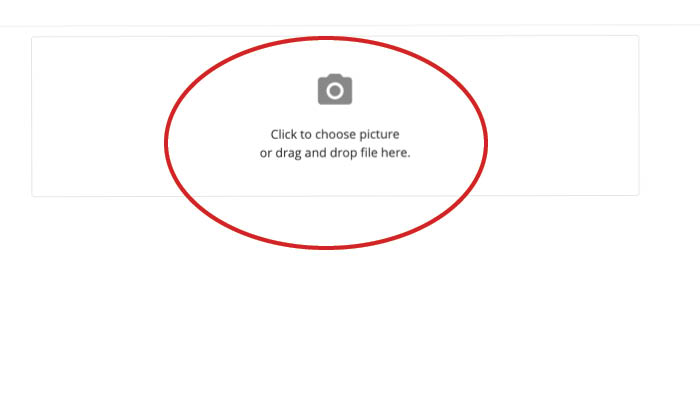
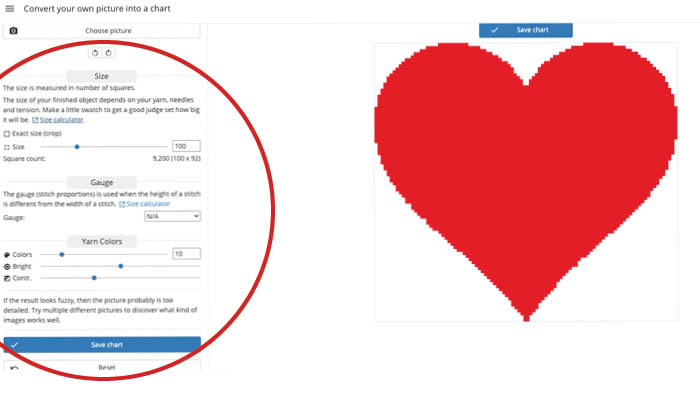
Stitch Fiddle will show you default but the sizing isn't customized for you.
- You need to use that custom swatch information you got to tell Stitch Fiddle what your personal gauge is.
- You will need to decide how big you want the project, the bigger it is, the more refined the curves will be.
- Notice the edging doesn't look perfect, we can fix that later with Stitch Fiddle.
- Click SIZE CALCULATOR next to customize.
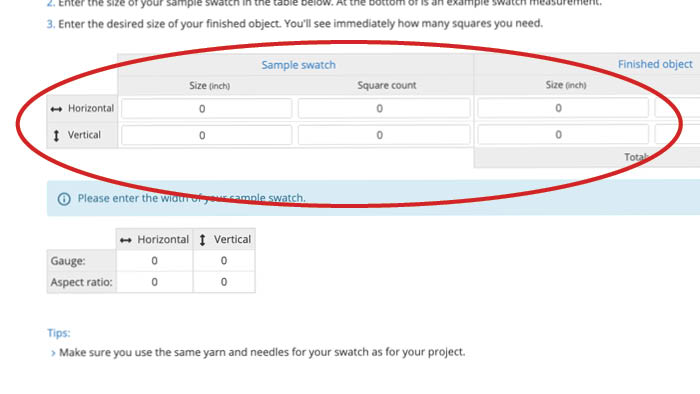
Input your Swatch Information Here.
- The horizontal and vertical inch on the far left is 4". That's the size of your swatch.
- In the square counts. That's those box counts that were in the 4" spans. In our case, it was 5 boxes horizontal and 5 boxes vertical.
- For the size in inches, that's your final project size. Notice that my picture doesn't have a buffer between the edge and the colour itself. That's something you need to think about when doing up your picture.
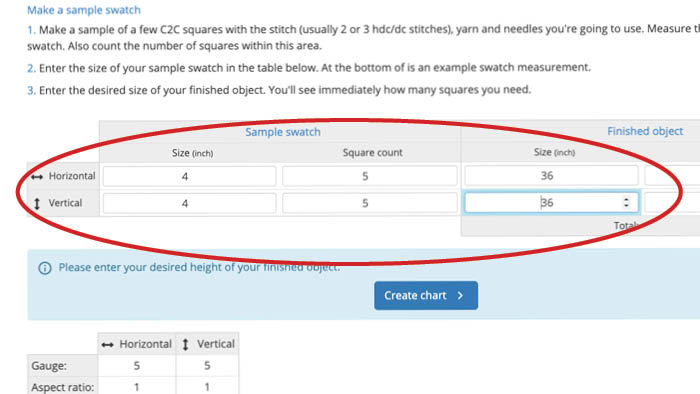
Once you have entered in the the information, click CREATE CHART.
You will be bounced back out and back to the beginning, however, your picture is still there.
Now select Corner to Corner Crochet.
You can draw a graph or insert a photo in a moment.
Select From Picture.
The heart will be back and matching your gauge and aligning to the size you wanted.
- Notice the heart is cut off on the sides? Change the box counts in width and height to get the heart to shape properly into position.
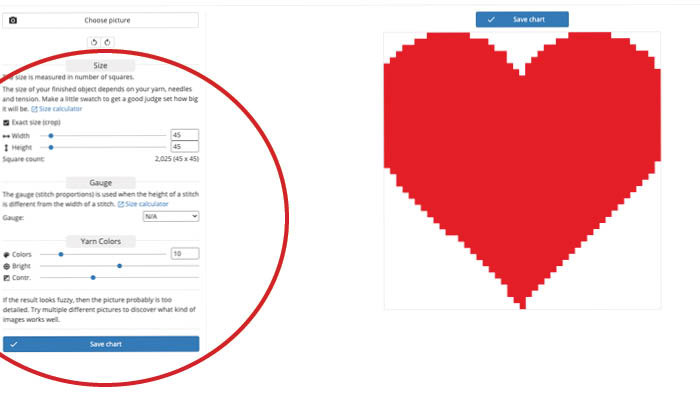
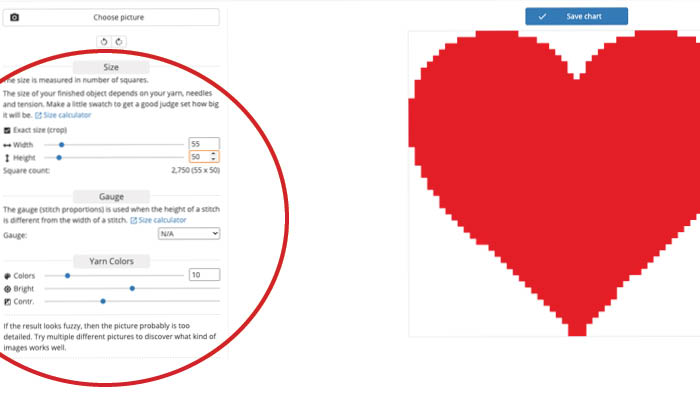
The heart now fits and now we want to fix up the edging to be more precise. You can also add different colours if you want as well.
- Click Save Chart so a chart will be created so you can fix things. Notice the edging of the bottom of the heart isn't pretty.
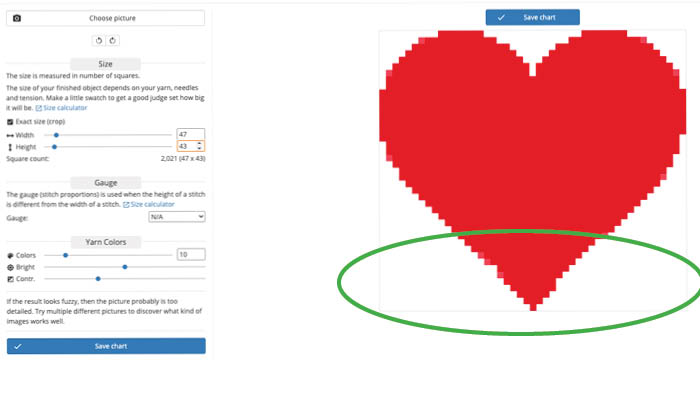
You will be bounced back out again and this time, you want to go look at your account charts.
The heart is now a chart and you will need to click it to open it.
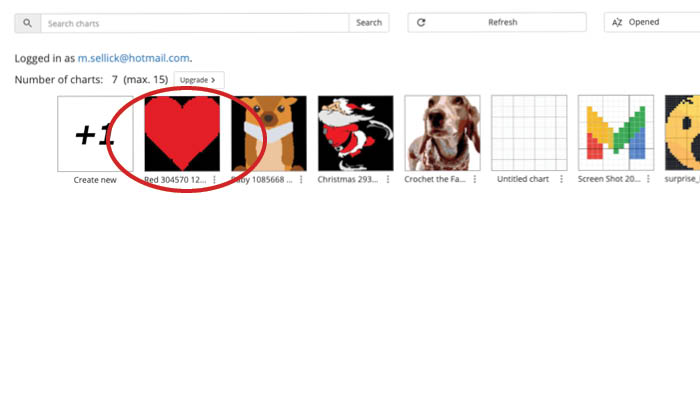
The heart is now graphed.
- Use the pencil tool to open up the editing.
- Fill in spots where you think it needs to be fixed.
- You can also draw more details in this for more customization.
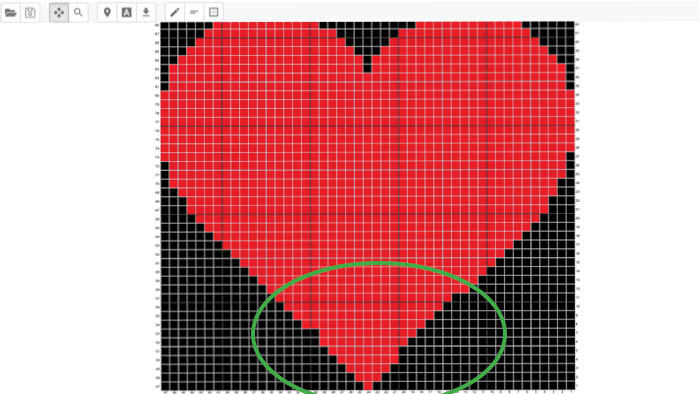
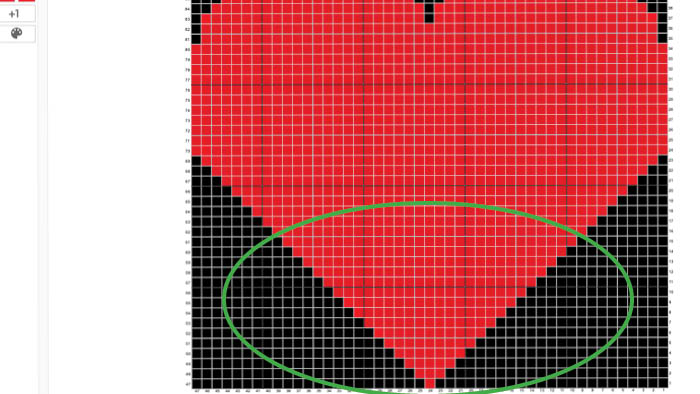
The heart is fixed.
Next Options
If you print your chart, (in my case) the heart will be on 2 pages and need to be taped together to follow.
- You can follow on-screen and do the tracker for it.
- What is easier to follow is the written instructions versus the graph itself. The graph you have physically count. The written instructions already have that done. However it's only the premium plan and this will save you a lot of time for a small fee.
Premium Services
Before I talk about this, you should know we are not affiliated with Stitch Fiddle nor involved financially with them. This walk-through is because people ask me about this and I am sharing what I know. This is not a paid ad or a financial benefit to The Crochet Crowd.
The Premium Service has options that go into a completely different level of experience and I find it to be really inexpensive. The amount of free options is already generous, to my point of view, but the premium side will up your level of success.
The graphs can be converted to written instructions:
Row 5, 40 A, 4 B, 21 C, 5 A, 49 B.
The instructions will be giving you the number of stitches in the colour assignment instead of you having to count the boxes.
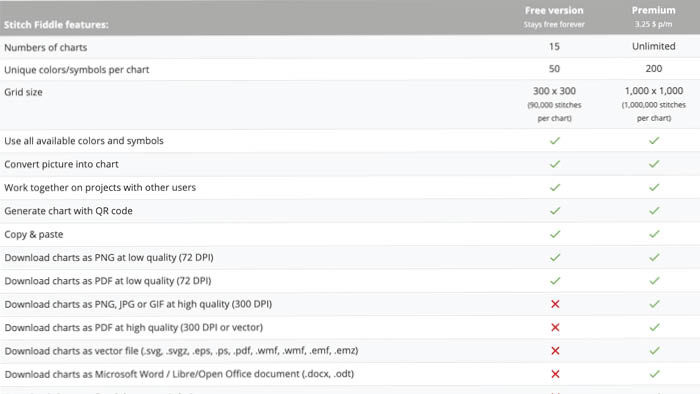
- You will be able to increase your stitch counts and rows up to 1,000 stitches which is really huge... like super-duper huge. But you aren't limited to the 300 stitches that are in the free service.
- You can make an unlimited number of charts instead of just 15.
Tutorial
Once you have your chart ready, you can fast forward this tutorial to see how to follow your new diagram and do up the project itself. We will be using the Bear Corner to Corner as an example to follow.

Final Note
We are not in the business of making or selling crochet grapghan charts. There is a help menu on Stitch Fiddle for any specifics you may have. We will not create charts for people as our specialty is tutorial and free pattern services. Please ask a friend to help you if you need help with this process.
heather says
grid
Mikey says
Thankx